What does a useful
automation actually do?
See a working Python example built with fictional sample data. No client records, vague promises, or black-box results.
From incoming orders to organized outputs.
A sample order export arrives with inconsistent dates, amounts, and status values. The Python script processes the same input format through a defined sequence of checks and produces three files for review and reporting.
Transparency note: This is a reproducible independent demonstration with synthetic customer names and fictional order data, not a paid customer engagement or a benchmark of time saved.
Download sample script & test data ↧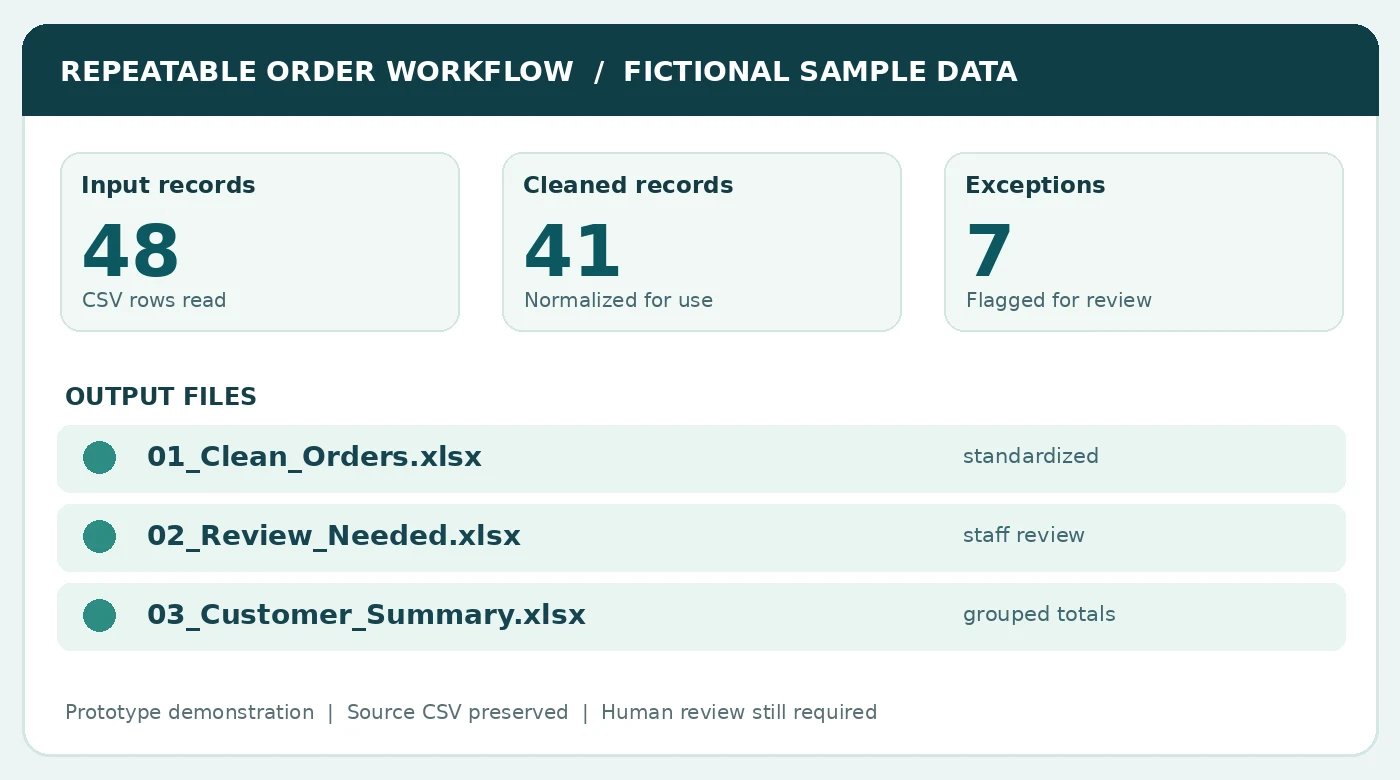
A small piece of Python
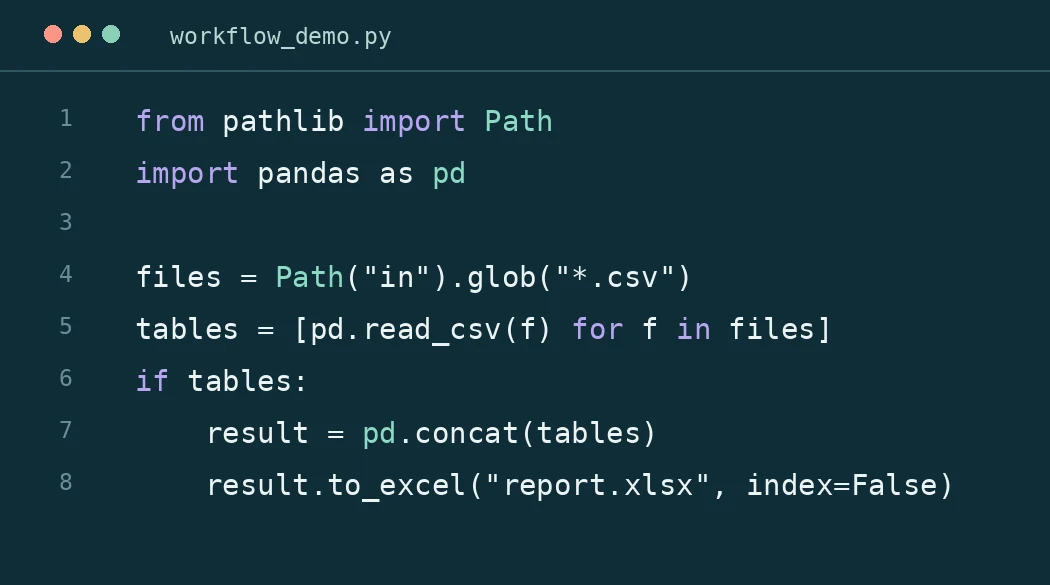
Rather than showing pages of code, here's a tiny example of what a custom automation might use: it finds incoming CSV files, combines them, and creates a new Excel report. The complete sample package contains the actual processing and validation logic.
Illustrative excerpt: it assumes Python, pandas and Excel-writing dependencies are installed.
Inputs, rules, outputs, review.
48 source rows
Read a CSV export without editing or overwriting the original file.
Normalize and validate
Standardize dates and amounts; identify missing IDs, duplicates, and invalid values.
Three Excel files
Create clean orders, a flagged-for-review worksheet, and a customer totals summary.
Automation built in GIS projects, too.
GeoSite's completed independent geospatial demonstrations used repeatable QGIS/Python workflows to support parcel screening, terrain analysis, drainage context, land-cover comparison, organized project exports, and QA.
Those examples illustrate experience with sequential processing and documented handoff; they should not be interpreted as production-grade validation of hydrologic design software.
See completed GIS workflow examples ↗Have a different recurring process?
Send an example of the files and the steps. A tailored script may be smaller and more useful than a whole new platform.
Tell us about the process ↗