01 | Spreadsheets
Put recurring exports into one format.
Merge weekly CSV or Excel exports, map common columns, standardize dates, and create a review list for gaps or duplicates.
Routine manual work adds up: combining exports, checking fields, naming files and preparing the same report over and over. GeoSite Intel builds scoped scripts and straightforward workflow tools for repeatable steps, while leaving exceptions and decisions visible for human review.
Examples below describe potential project types, not existing client projects or guaranteed time savings. Each must be evaluated against actual files, rules, and software.
Merge weekly CSV or Excel exports, map common columns, standardize dates, and create a review list for gaps or duplicates.
Read structured inputs, compute defined metrics, and fill a consistent report or summary with checks for invalid records.
Extract fields from predictable document or receipt layouts, marking uncertain readings for a person to verify.
Build project folders, rename exports consistently, sort by defined rules, and write a log of changes for auditing.
Test required fields, formats, numeric limits, accepted categories, and duplicates to produce an exception report.
Automate QGIS/Python layer prep, CRS validation, spatial processing and export pipelines with traceable processing records.
Our example processes 48 fictional incoming-order records, produces 41 clean records, flags 7 for review, and exports three workbooks. The code and synthetic test data are available to inspect - not presented as a client case study.
Explore the reproducible demo ↗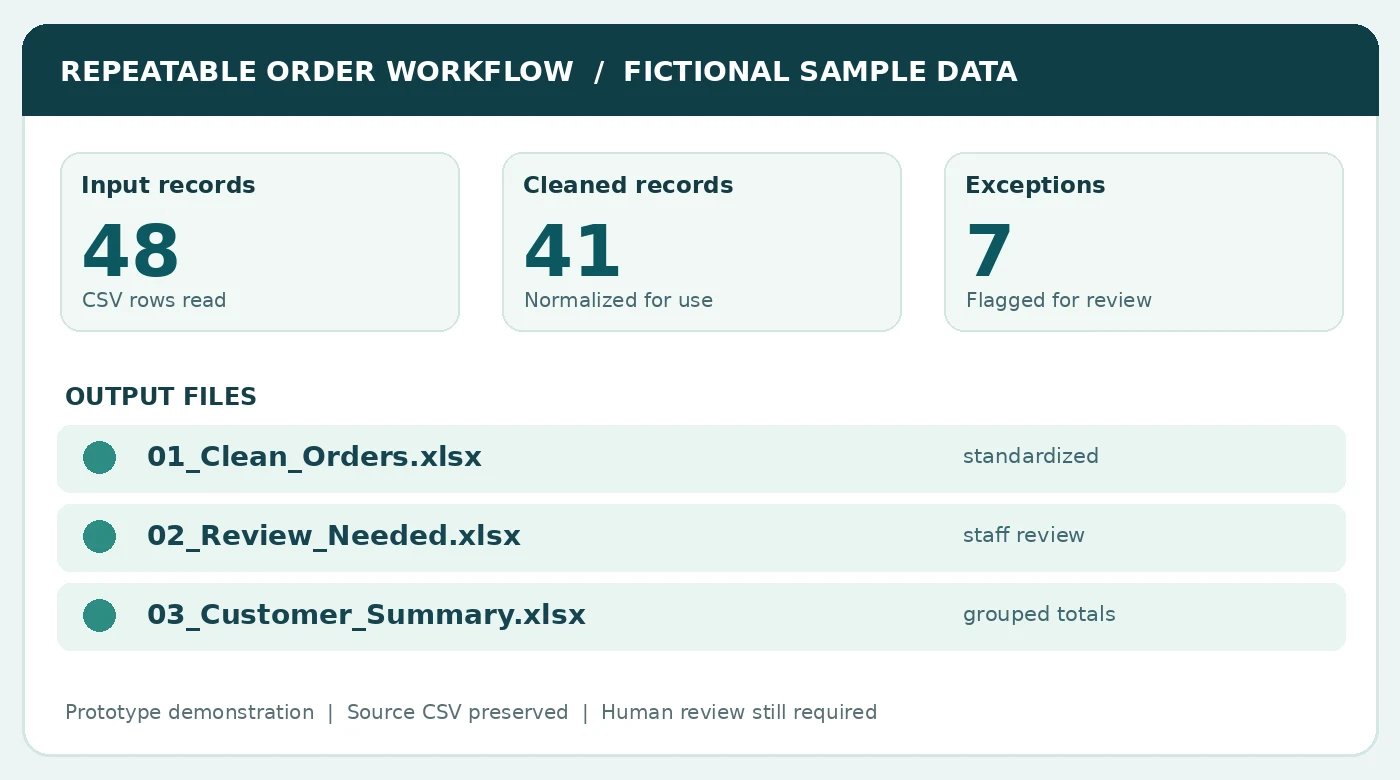
Think of automation as a repeatable checklist carried out by software. You choose the rules and decide what needs human review.

Start with the documents or exports your team already uses.
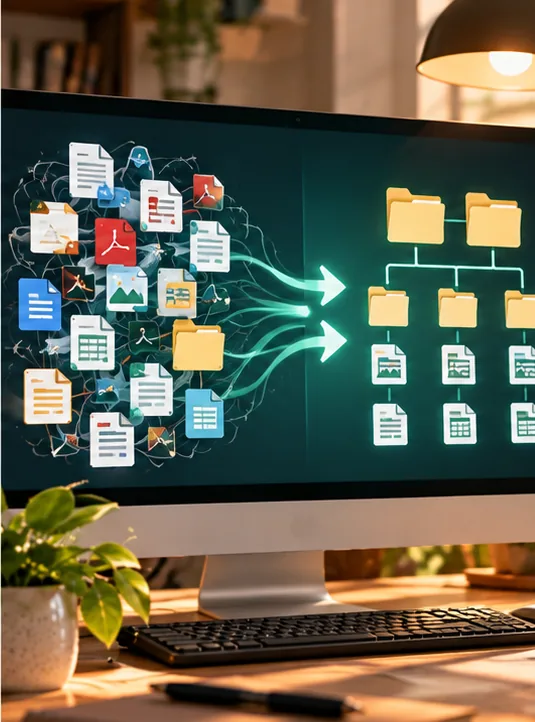
Rename, organize, check, or combine them using an agreed process.

Receive clear files and a list of anything that needs a person to decide.
Explain what files come in, what steps repeat, and how often. Remove personal or confidential data from the initial sample.
Confirm input requirements, expected output, validation examples, dependencies, delivery and project cost.
Review representative examples, receive the tool and usage instructions, and discuss optional maintenance separately.

Whether it's weekly exports or document naming, define the routine once and run a consistent workflow. People still review the results and make decisions.
See a real script with fictional records ↗Start with an email describing the task, how often it happens, the input format, and the ideal result.
Email your task ↗